Product news / iPhone & iPad
Kato for iOS is here
Your client workspace, wherever the day takes you. Meet Kato for iPhone and iPad, now available on the App Store.
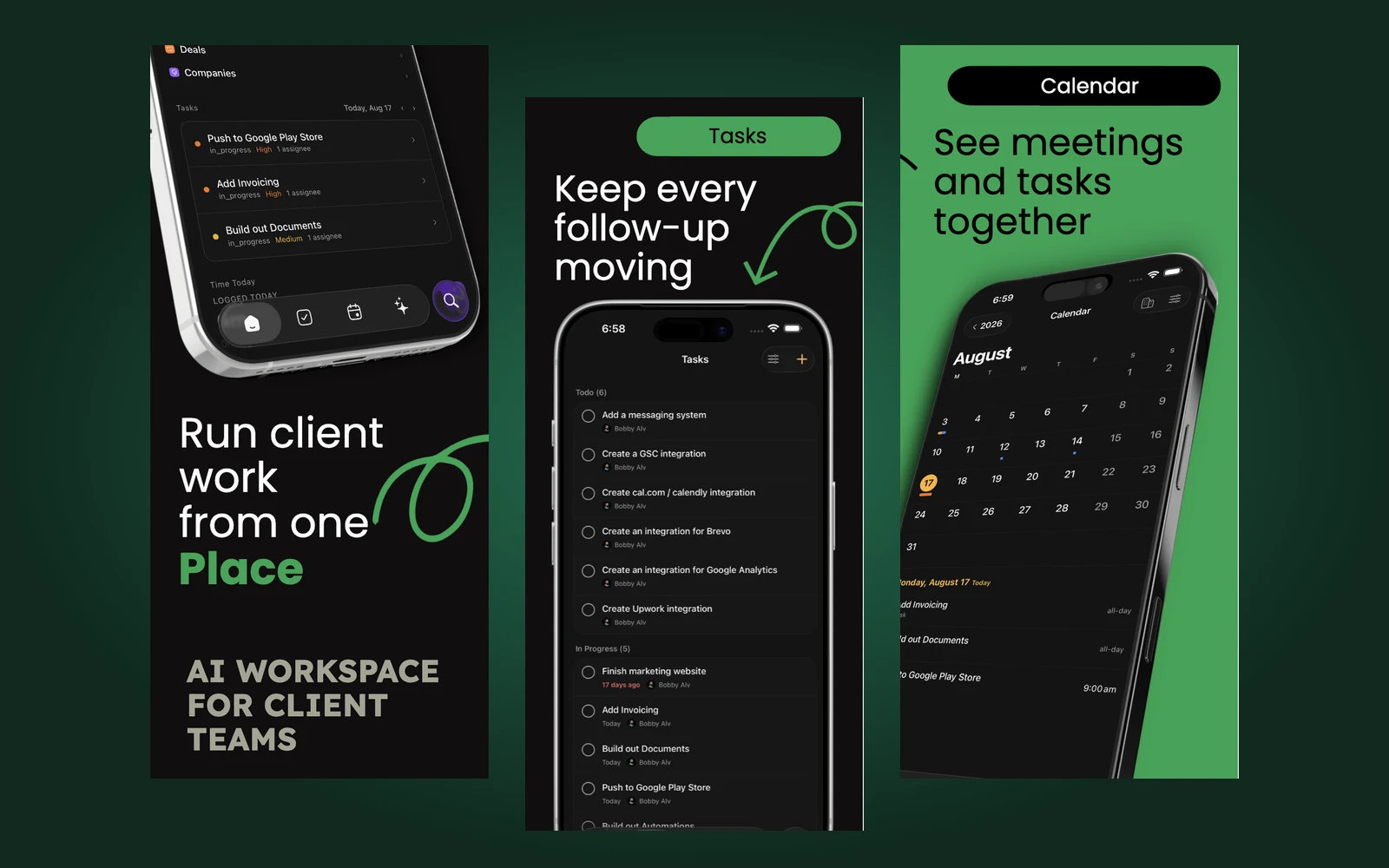
Client work rarely stays at your desk. A meeting wraps up while you’re heading out. A teammate needs an update between calls. You remember a follow-up just as you close your laptop. Those small moments are easier to handle when the workspace behind your work is already with you.
Today, Kato is available on the App Store for iPhone and iPad. The app brings your Kato workspace to the device in your hand, with tasks, calendar, workspace search, and Ask Kato close by. It’s a way to stay connected to your team’s work throughout the day, with the same context you use when you sit down at your computer.

Keep client work close
Kato brings client records, tasks, and meetings into one connected workspace. On iOS, that means you can check what’s happening without rebuilding the picture from separate notes and messages. Open your workspace, find the work you need, and continue with the information your team already shares.
For people working across clients and projects, continuity matters. The task you check on your phone belongs to the same workspace your team is using. You can pick up a thread of work between appointments and return to it later without maintaining a second list just for yourself.
Keep every follow-up moving
A useful task list helps you see what needs to happen and who is responsible. Kato’s mobile Tasks view keeps that work within reach, so you can review assignments, check progress, and keep the next follow-up from slipping through the gaps.
Use it for the small actions that make a difference during a busy day: capture a task after a conversation, review what’s in progress before a check-in, or update work when it’s done. Keeping those changes in the workspace gives the rest of the team a clearer picture of where things stand.
See the day with its work attached
Meetings take time, and so do the tasks around them. Calendar brings meetings and dated tasks together, making it easier to understand your day as a whole. You can see what’s coming up alongside the work that needs your attention.
The mobile calendar supports multiple workspaces and different planning views. Move from a broader view of the month to the details of a day, and choose which sources belong in your schedule. It’s a practical way to check what comes next before you commit to another piece of work.
Ask what needs attention next
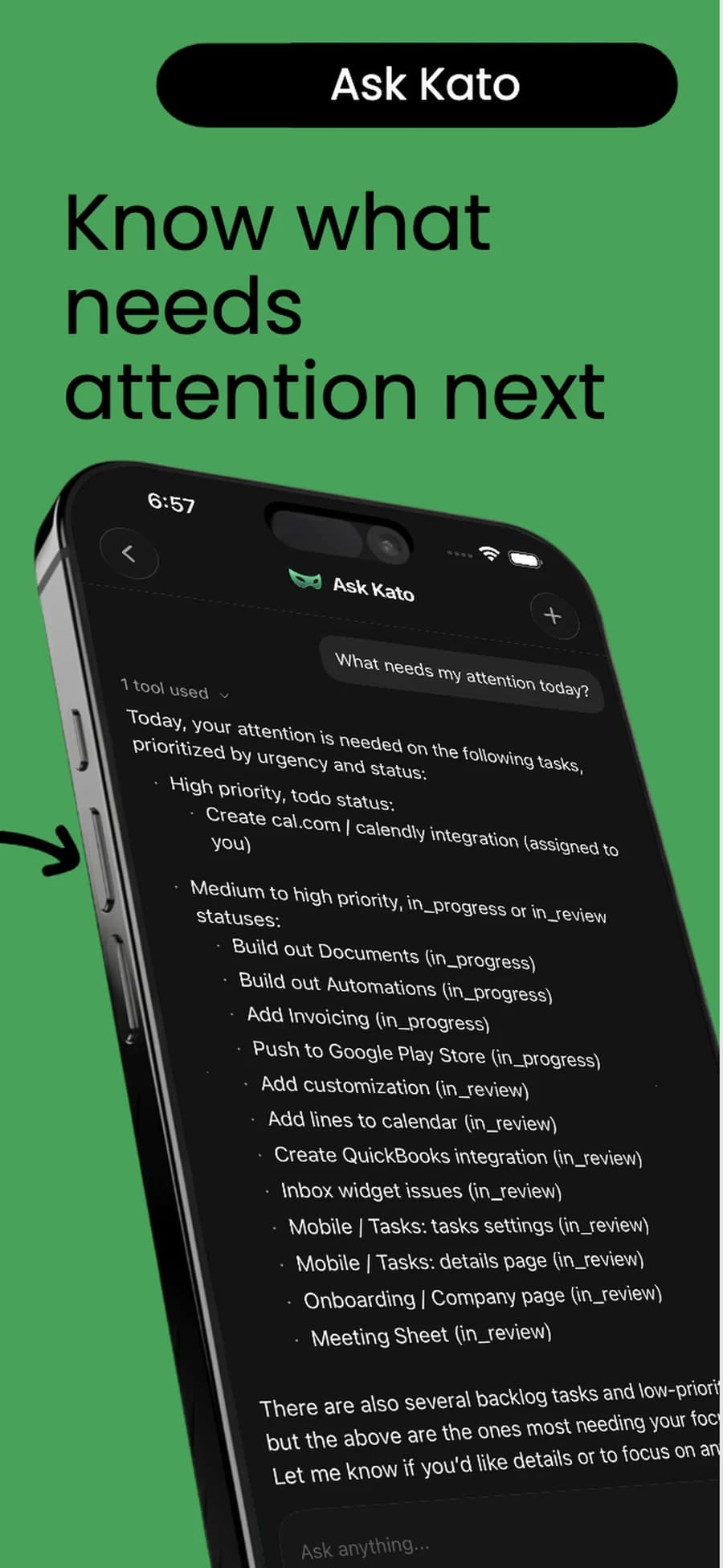
Sometimes you have a question before you know which screen to open. Ask Kato gives you a place to start with the question itself. Ask “What needs my attention today?” and use the workspace context available to Kato to get oriented.
Having that conversation on your phone is useful in the spaces between deeper work. Review the answer, ask a follow-up, and use it to decide where to look next. Ask Kato stays connected to your workspace, so the conversation can focus on the work your team is actually doing.
Find the context you came for
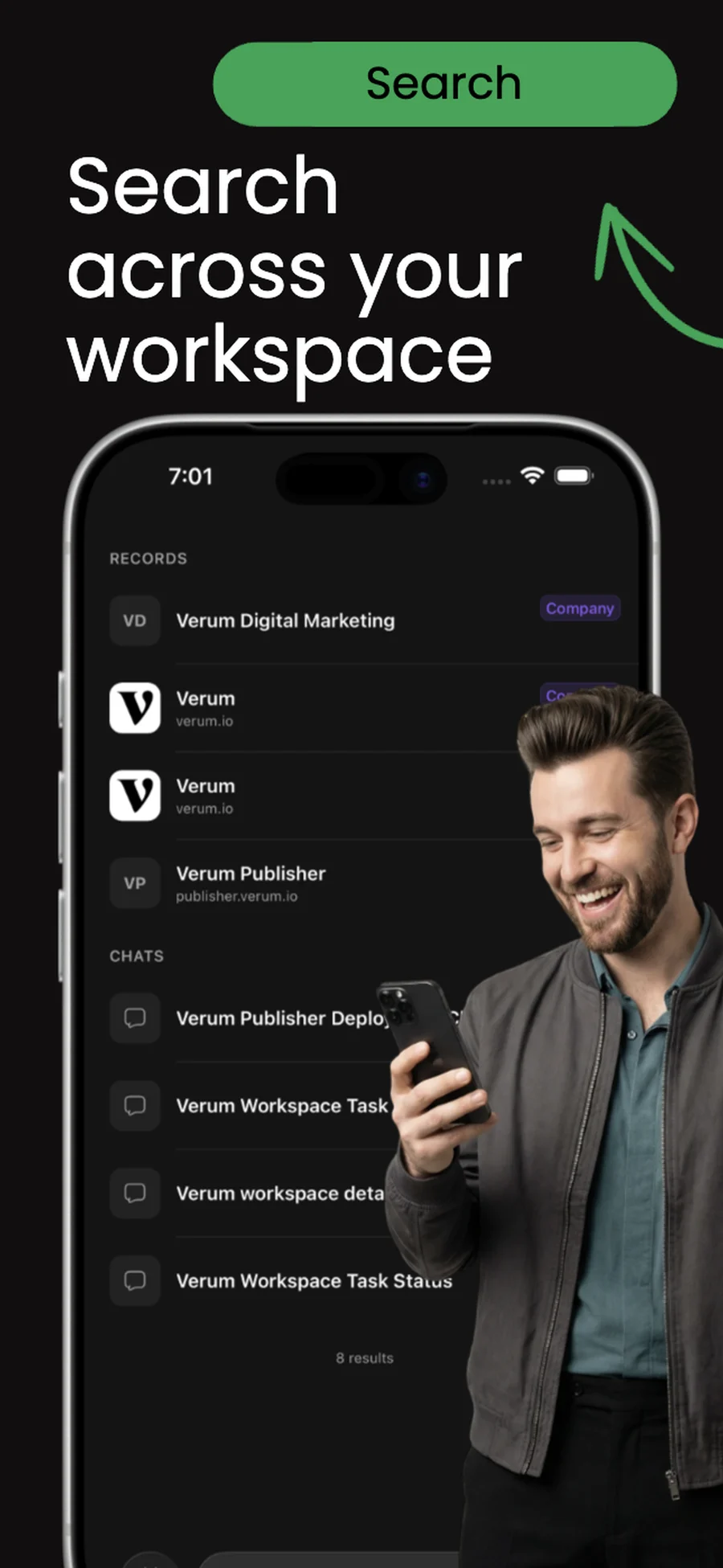
When you know what you’re looking for, Search gives you a direct path back to it. Find workspace records and conversations without retracing every step through your navigation. A client name or a familiar piece of work can be enough to get you moving.
That makes a quick check useful: look up the right record before a conversation, find a workspace chat, or reconnect with something you were working on earlier. The information stays in Kato, ready when you need it.
Make room for Kato on your home screen
Download Get Kato from the App Store on your iPhone or iPad, then sign in to access your workspace. If you’re new to Kato, you can create an account and a Free workspace to get started. Existing members can continue with the workspaces they already belong to.
The iOS app is a free download and a companion to the Kato web workspace. Feature access follows your workspace’s plan. We’re excited to bring Kato to more of the moments where client work happens, and we look forward to hearing how you use it.